
Signing Into your Account
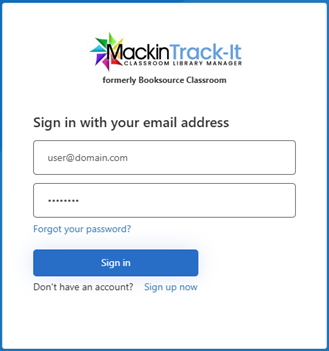
To sign into your account, navigate to the website https://classroom.booksource.com/Default.aspx and select Sign In from the screen. Type in the account holders email address and Classroom Password.
Students and guests will sign in using the Classroom Password to browse the Students side of the system. If you are sharing your account with students for checking out and returning books, we recommend that your Classroom Password and Teacher Password are unique.
- Forgot your password? No problem. Select Forgot your password? From the log in screen and follow the on-screen instructions to reset your password.
Teacher/Student Sign In
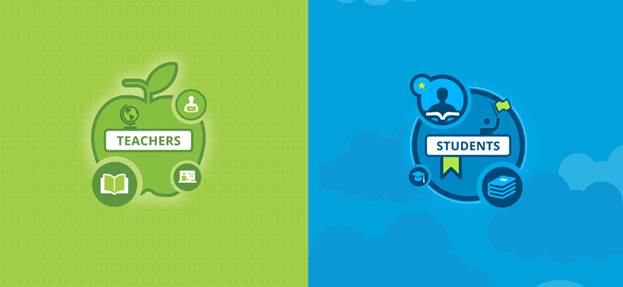
If you have one library built in your account, you will be brought directly to the Teacher/Student landing page.
- To continue as a student, click the Students side of the screen
- To continue as a Teacher, click the Teachers side of the screen
- Continuing as a Teacher will require a secondary password.
- If you’ve forgotten your password, select Forgot your password? from the log in screen and follow the on-screen instructions to reset your password.
Multiple Classrooms?
If you have any questions or would like to provide feedback on this article, please submit a help ticket here: https://booksourcehelp.freshdesk.com/support/tickets/new, or email us at classroom@booksource.com .